Spring clean your computer
If, like many people, you’ve got a huge archive of files scattered in many different folders across your computer, then Digital Dump Sorter could be the answer to your problems.
Top Recommended Alternative

Get your folders in order
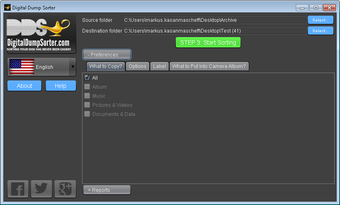
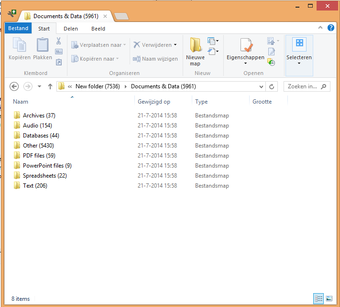
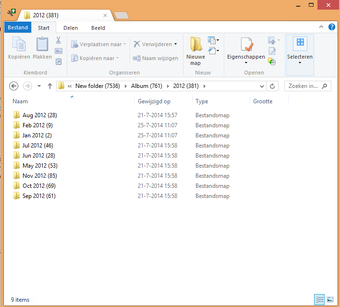
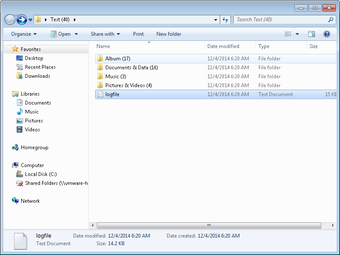
The idea of Digital Dump Sorter is to take all the different types of files you have in a certain folder and automatically organize them according to file type, year, and month (even the artist with music files), while removing duplicate ones. This includes (but is not limited to) music, pictures, videos, Word documents, Excel spreadsheets, PowerPoints, and other files such as executable and installation files. This list is customizable so you can chose to only copy a certain type of file, such as music or pictures.
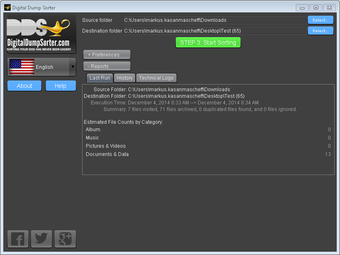
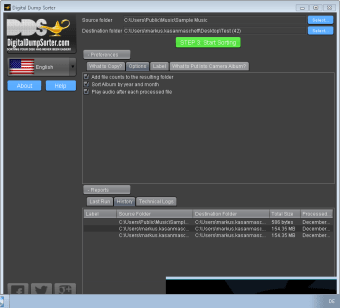
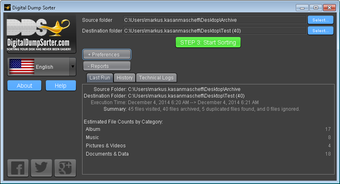
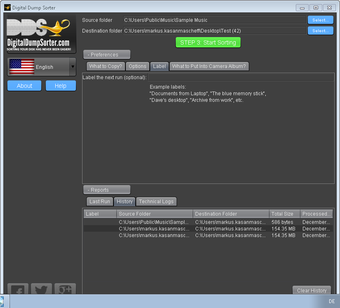
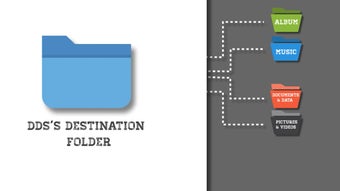
One of the most useful things about Digital Dump Sorter is you can sort files from loads of different source folders into one destination folder; you don’t need to create a destination folder for each sort. This is a great way of streamlining your files and accessing what you want, quickly, as well as removing what you don’t need. Not only that, but it gives you a history of exactly what you’ve sorted, the overall size of the files and date processed, as well as allowing you to label each sort you perform (the examples given include ‘documents from laptops’, ‘blue memory stick’, ‘archive from work’).
If you’ve stored any documents in the cloud (OneDrive, Google Plus, etc) you have to download them first before Digital Dump Sorter can organize them into folders. And there isn’t an option to automatically back up to the cloud so all the files stay locally on your computer. This means you need enough disk space to store the original and the duplicate files, as the old ones are not automatically deleted after sorting. But you can sort folders from memory sticks or devices you plug into your computer.
A useful feature would be to enable you to add some more detailed rules, such as “delete any files from 2011”, so you can clean at the same time as sorting.
Quick and easy but some issues
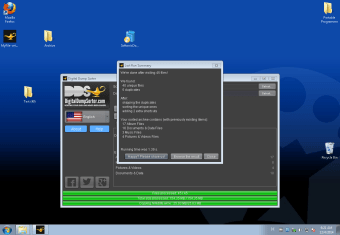
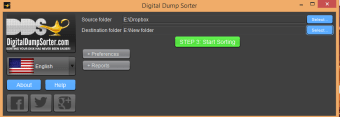
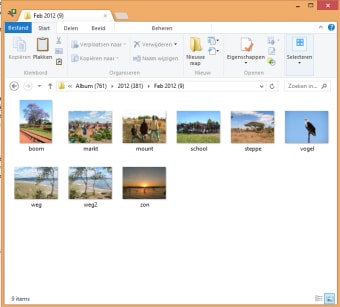
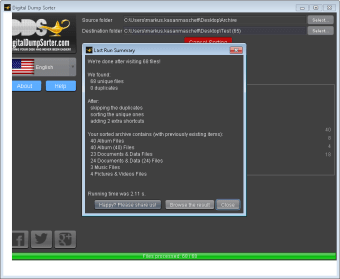
Digital Dump Sorter is really easy to use. Simply select the source folder and the destination folder (which you must create first) and hit the big green button underneath. It sorts your files really quickly and smoothly. I had hundreds of photos in one folder and it sorted these according to date and time in seconds. While the user interface isn’t the most attractive, it is pretty clear what you have to do to perform the sort.
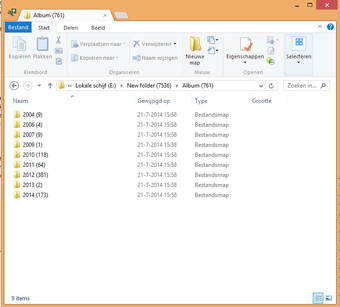
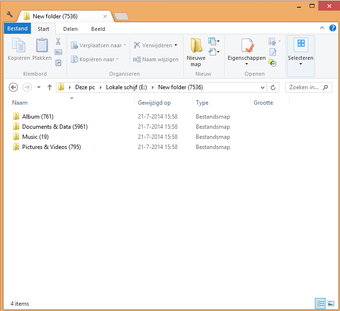
However, the categorization of the source folders is confusing. There is both an album folder (for JPGs, MOVs and MP4s), as well as a pictures and videos folder. I assume the idea is to separate the pictures you have taken from your camera from any other pictures you may have (screenshots etc). While you can chose to remove the file types that go into the album folder and sort them all into the pictures and video folder, it’s not very intuitive and could be better organized.
Also, the timeline sorting wasn’t 100% accurate. After one sort, my December 2014 folder had photos from October, January, February and December, for example.
I also had issues with Digital Dump Sorter freezing on my screen when trying to select a folder. The only way to resolve this each time it happened was to open Windows Task Manager and forcibly close the program.
A useful tool
Digital Dump Sorter is an incredibly useful tool that works well (most of the time) to better organize the tangled web of folders many of us have accumulated over the years, especially before cloud storage really kicked off. Not only does it sort, it also provides a high-level overview of what you have stored on your computer, meaning you can clean up any unwanted junk.
The added bonus is that you can reminisce (or cringe) over long-lost photos, check out some old music, or revisit those essays you wrote at college. If the categorization of the folders was fixed and the usability issues resolved, this would be a must-have program for getting your computer in order.